 Muslim
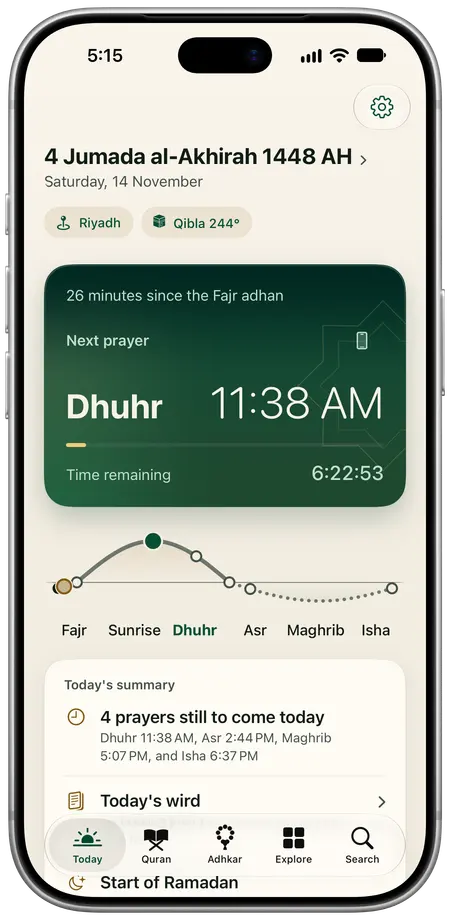
Riyadh, after the Fajr adhan
Prayer, Quran and adhkar, on iPhone
Prayer times worked out on your phone with no connection, the Mushaf as it was printed, the Qibla and the Hijri calendar, in Arabic and English.
Coming soon to the App Store
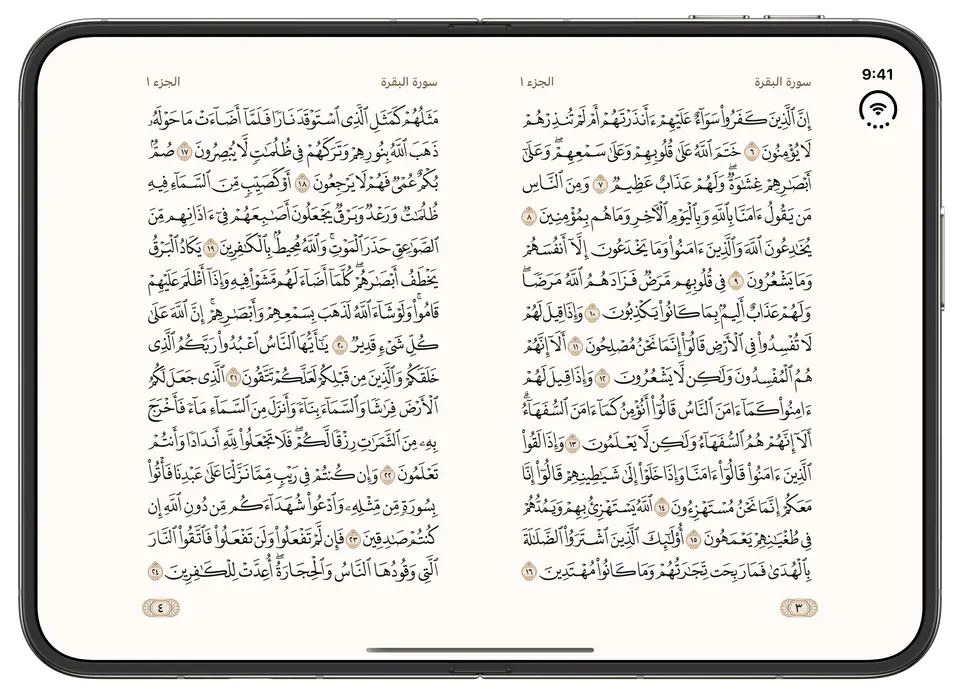
Pages 3 and 4
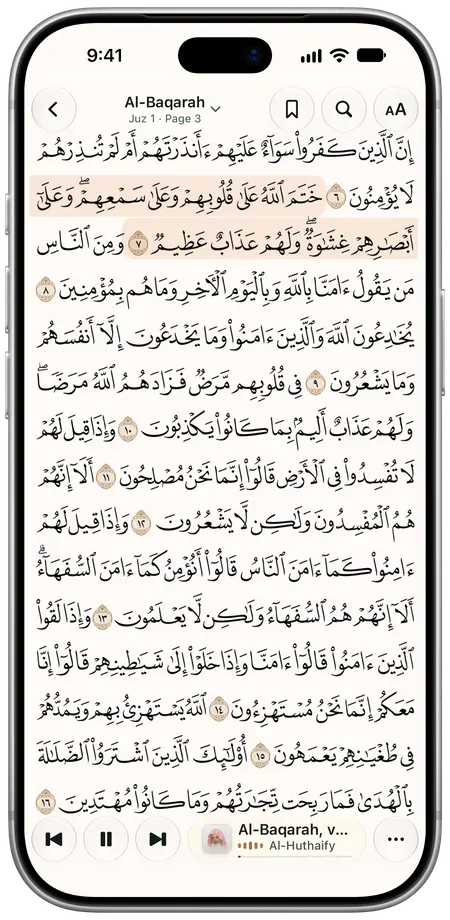
The Mushaf, as it was printed.
Its pages in the print’s own script and ornament, turned like a book. On an open iPhone Duo, two pages face each other, as in the Mushaf in your hands.
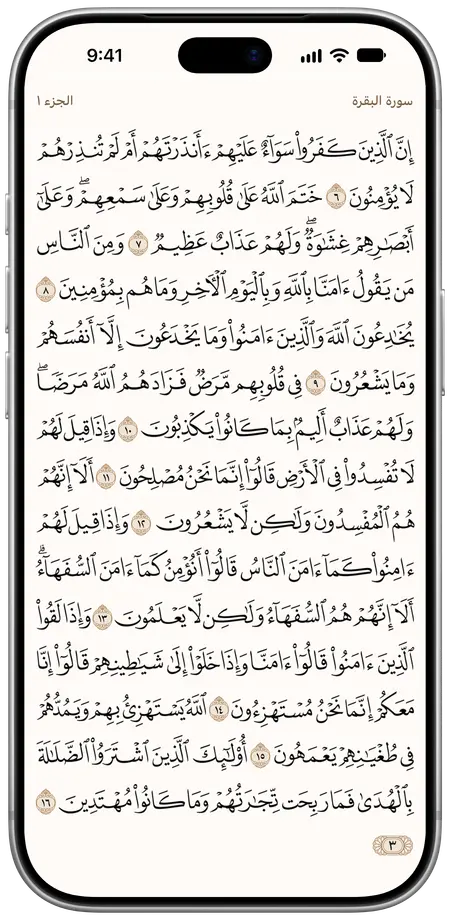
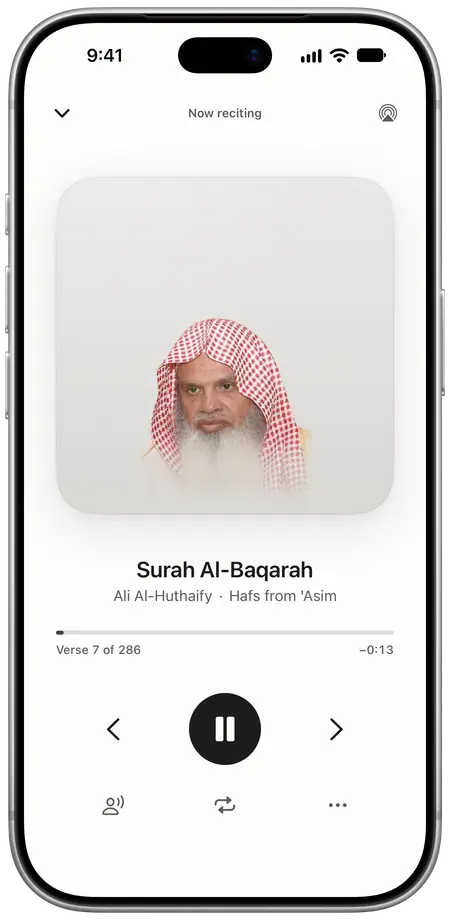
Recitation on the Mushaf page, verse by verse.
The verse being recited is highlighted on the page. A double tap enlarges the verses so you can follow word by word, and you can keep a surah on your phone to listen offline.
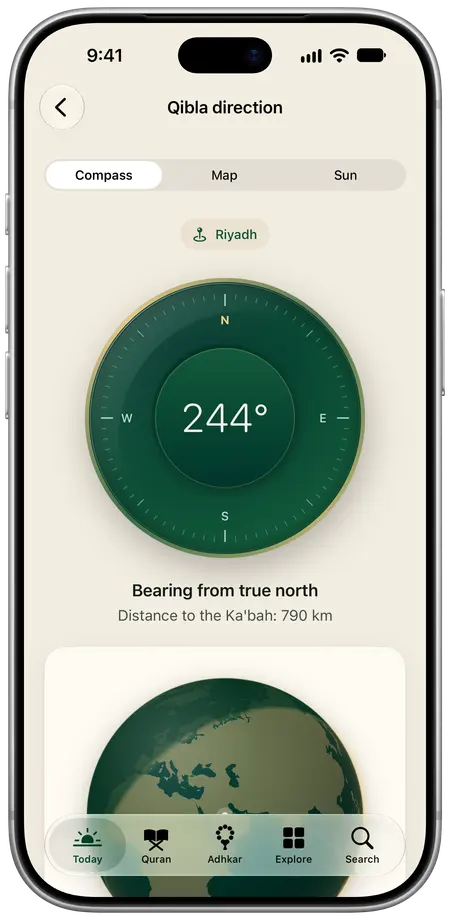
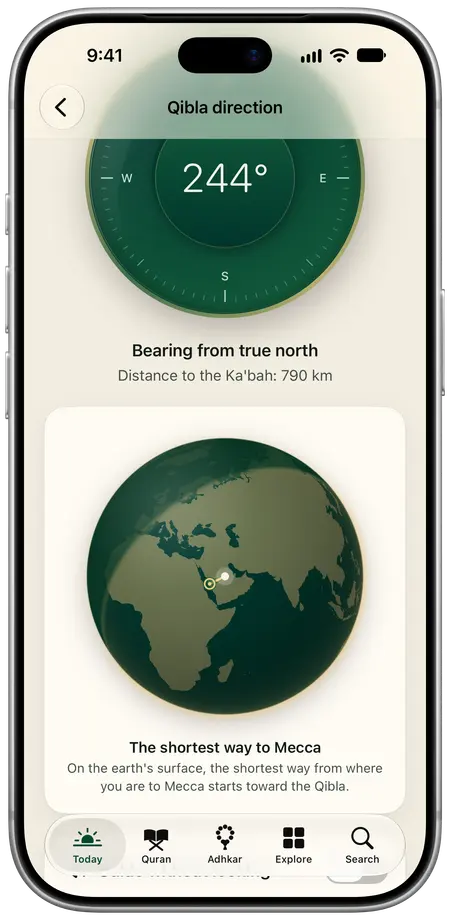
The Qibla, wherever you are.
A compass that settles when you face the Ka’bah, and a globe with the shortest way to Mecca. It works offline from your last place.
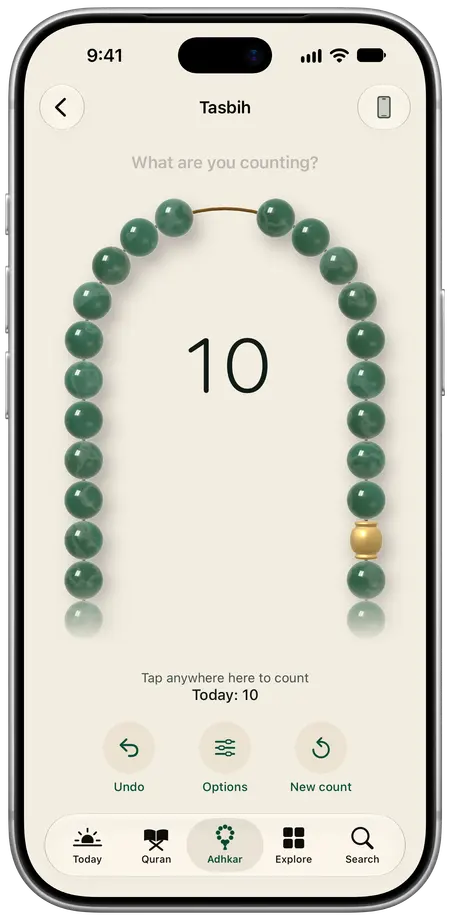
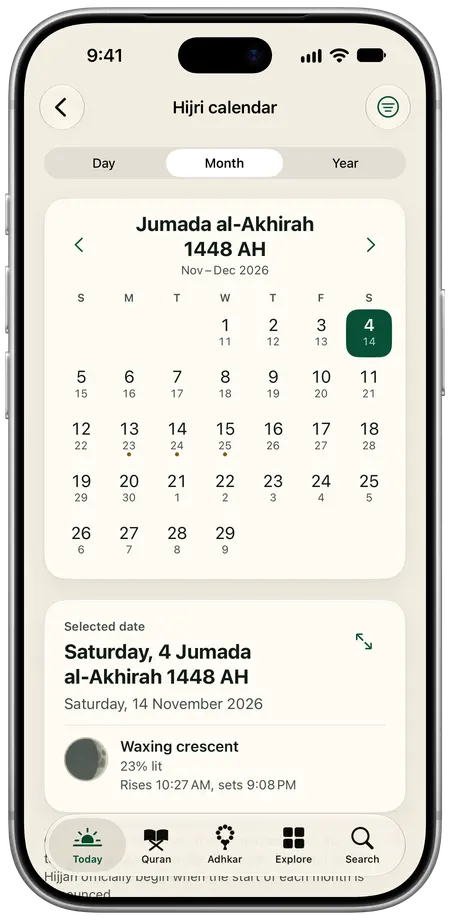
A tasbih with beads, and a Hijri calendar with each night’s moon.
Count with a tap anywhere on the screen, undo a tap or start a new count. The calendar shows your day in Hijri and Gregorian, and tonight’s moon with how much of it is lit. The morning and evening adhkar are there too, one at a time, each with its reference.
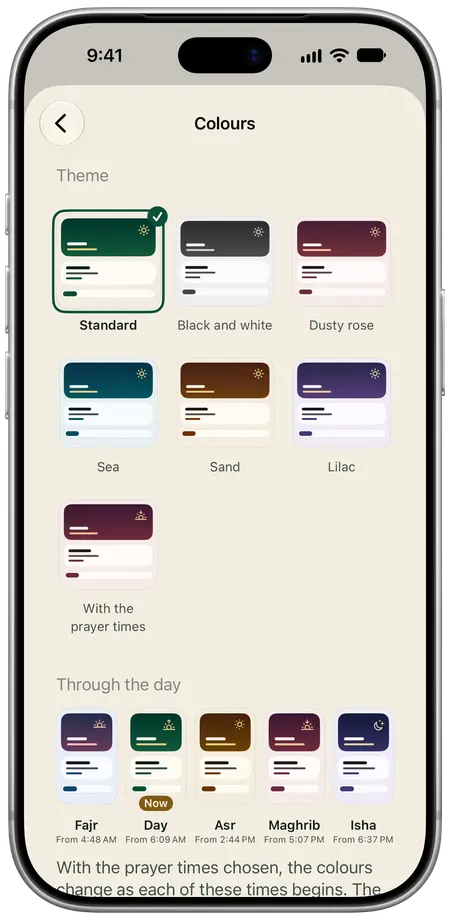
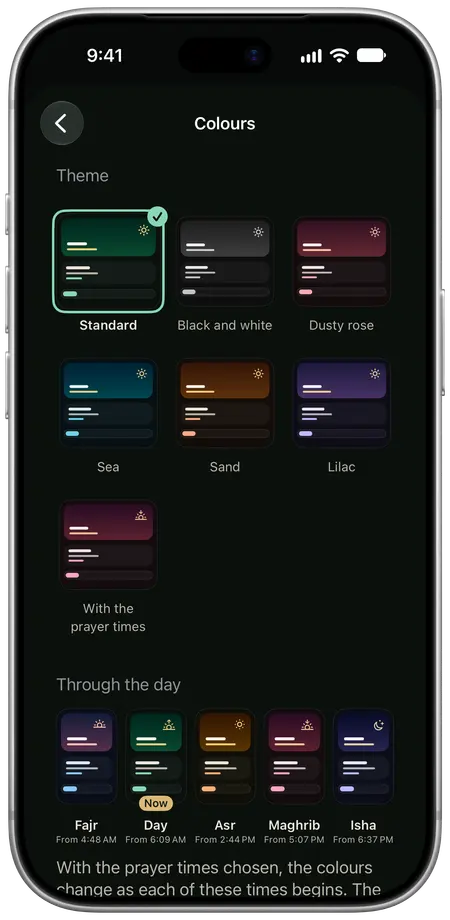
Six themes, in light and dark appearance.
A theme colours the whole app. The whole app is in Arabic and English, each in its own direction.
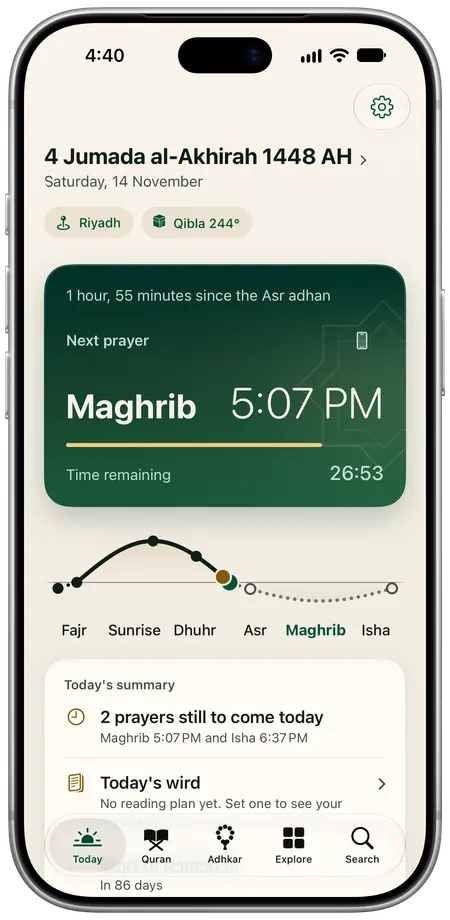
The next prayer, and the time left before it.
Times are worked out on your phone by one of 24 methods, Umm al-Qura among them. The app, its Home Screen widgets and its Lock Screen countdown all read the same schedule.
- Maghrib
- Isha
-
Before Maghrib
Maghrib in 26 minutes, and the sun’s path shows where you are in your day.
-
After Isha
Choose the prayer-time colours and the whole app takes the colour of the hour.

Surah Al-Mulk, verses 1 to 5
Recite from memory, and the app listens.
The verses are hidden. You recite from memory, the words appear as the app hears them, and anything it missed is marked for you to check. The listening happens on your phone.


No account, no tracking and no ads in the app.
Everything you record in the app stays on your phone, except what you choose to save in Apple Health, the error reports you choose to send and the invite link you choose to make.
What the app sends over the internet
- Your location
- Sent to Apple to find your city and time zone, and kept on your phone.
- Apple Maps
- A place you search for, the Qibla map and road distances.
- Recitations and prints
- When you listen to or download a recitation, or download a Mushaf print.
- The app’s text
- The app checks for updates to its text and settings, such as the list of cities.